No ads, no tracking
There are no adverts and no analytics or advertising tools. Crash reports stay off unless you turn them on.

For iPhone and iPad
Pick one of Boxley’s ideas, write or say your own, or start from a photo of a favourite toy. Boxley makes a black-and-white page to colour on screen or print at home.
Coming soon to the App Store
Information for parentsNo ads. No tracking. No account for your child.
Choose an idea, or write or say your own. Pick how much detail and Tall or Wide, then tap Make my page.
Colour on screen, stop whenever you like and carry on later. Print an A4 page at any point, coloured or not.
Turn an idea into a short colouring book with its own cover, then read it together and colour it page by page.
With a grown-up’s help, turn a photo of a favourite toy, or of you and your children, into a page to colour.
Colour games, and colouring with a friend on a nearby iPhone or iPad. No accounts, no internet and no scores.
Every page is kept in the Library, so a favourite can be printed again instead of made again.
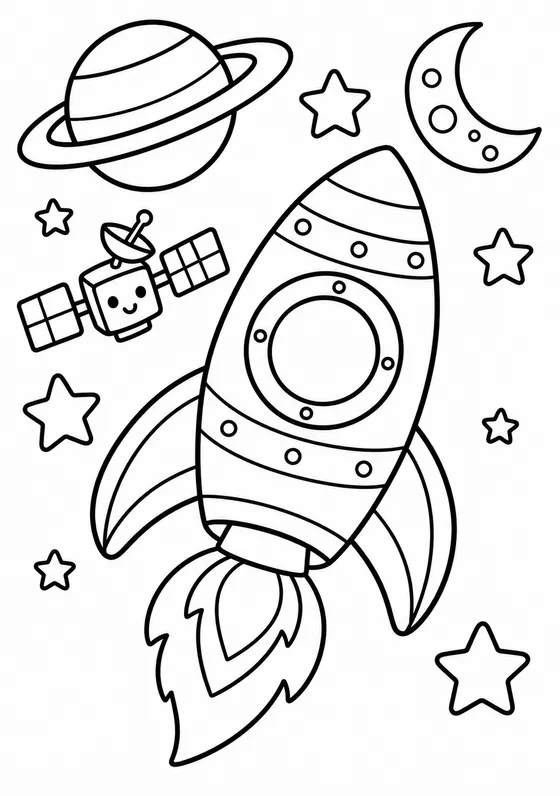
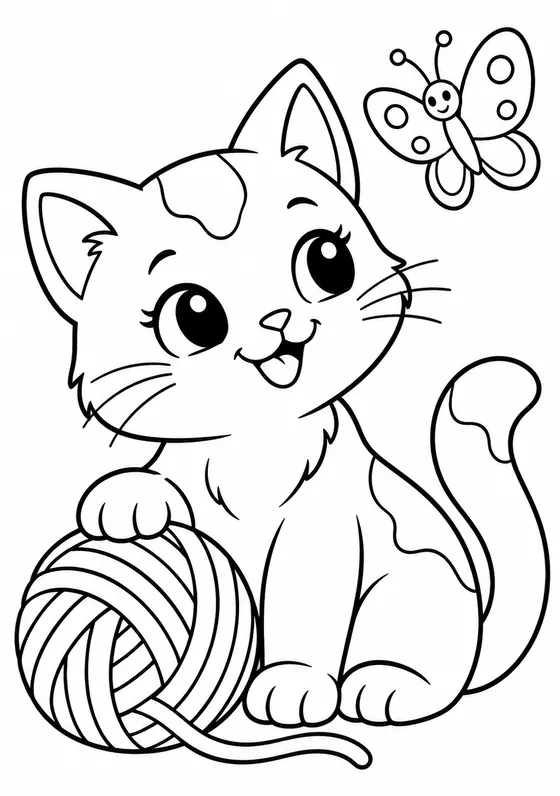
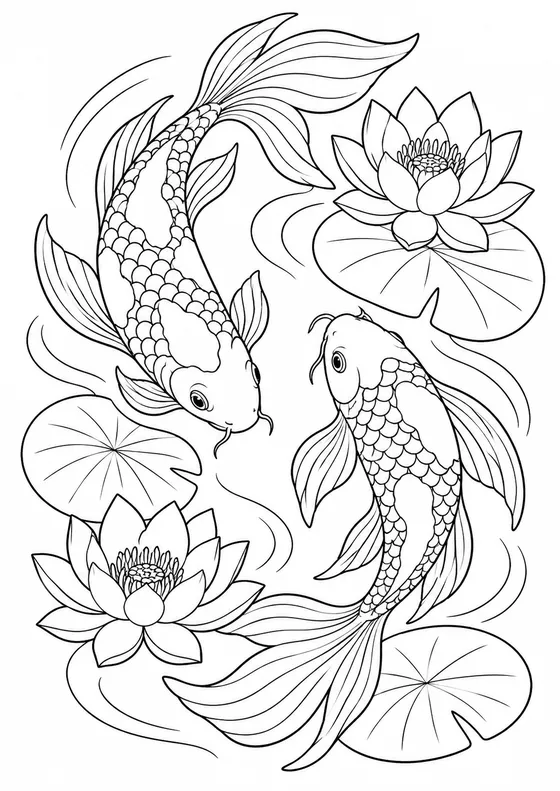
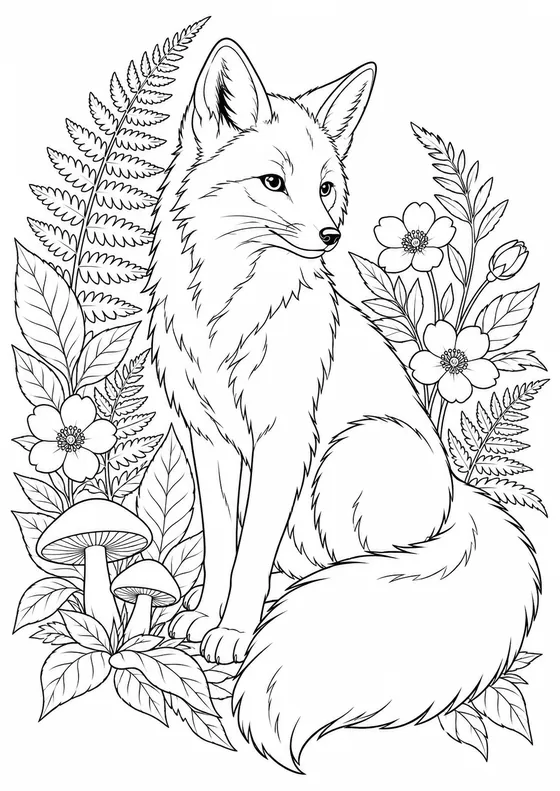
Boxley is made for children aged 3 and up, with a grown-up for purchases, permissions and anything online. Here’s what it does and what stays with you.
There are no adverts and no analytics or advertising tools. Crash reports stay off unless you turn them on.
Children don’t sign in, and Boxley never asks for their name or where they are. Pictures are saved on your device and, if you use it, your own private iCloud. You can switch syncing off.
Every purchase is behind a grown-up check, and children never see a balance. Colouring, printing and games never cost anything.
Photos are picked with Apple’s photo picker, so Boxley only sees the one chosen. It asks to add to your library only when you save a picture there.
| What your child does | What it needs from you | What leaves the device |
|---|---|---|
| Colours, prints and saves pages, plays games | Nothing | Nothing (iCloud syncing is your separate choice) |
| Makes a page or book from Boxley’s ideas | A one-time OK from a parent or guardian | Which idea was picked, the page settings, and service and security identifiers |
| Makes a page or book from their own words | Boxley Plus and your permission | The words of their idea, as text. Spoken ideas are turned into words on the device, so no recording is sent |
| Turns a photo into a page | Boxley Plus and your permission. You approve each photo with people in it | The chosen photo, checked and with its hidden details, such as location, removed |
New pages are drawn by OpenAI’s image model. Ideas and photos are checked before a page is made, and pages are checked again before your child sees them. No check is perfect, so if a picture isn’t right your child can tap Something isn’t right to put it away at once, and you can report it.
The pages that come with Boxley are free, and there’s a free allowance of ready-made pages each month. Boxley Plus, a subscription, adds pages and books from your child’s own words and photos. Prices are shown in the app before you buy.
Yes, for most things. Colouring, printing, saved pictures, the pages that come with Boxley, colour games and playing together nearby all work offline. Making a new page or book needs a connection.
Children aged 3 and up. They choose their age when they start, and Boxley uses it to decide how simple or detailed new pages are. You can change it in Settings.
iPhone and iPad with iOS 26.1 or later. Pages print at A4 size.
Boxley is made for families at home, not for nurseries or schools. Please don’t use it with class or group photos.
Open Settings in the app, then For grown-ups. You can change permissions, delete the information held online and manage iCloud syncing there. Your privacy choices explains each option.
See Help, or email support@boxley.app. Please don’t send photos of children, passwords or sign-in links by email.